
Free printable tool
Vial Label Maker
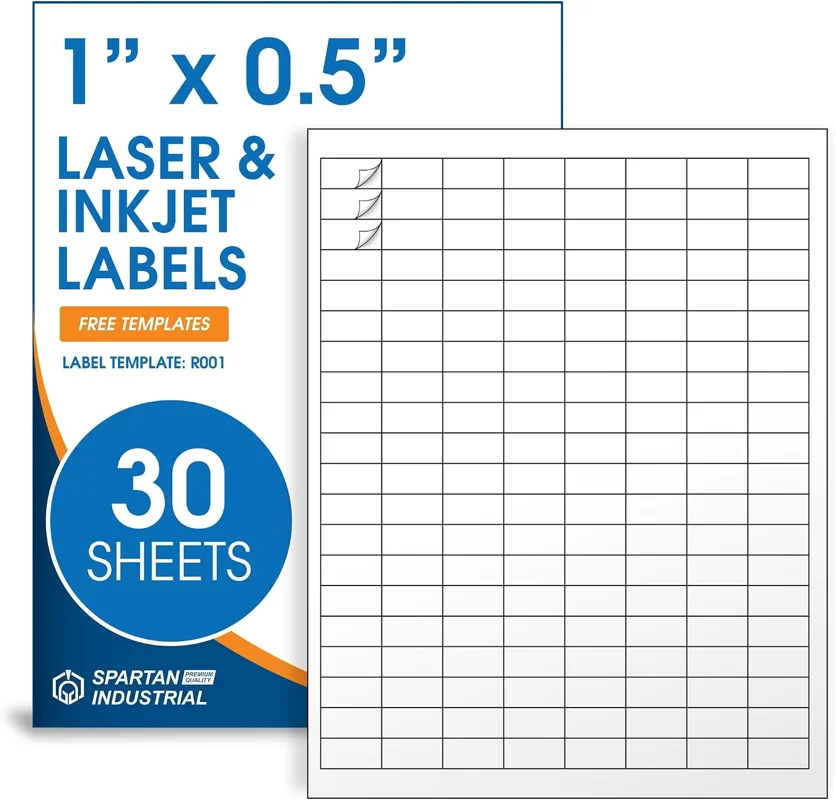
Make small, clear labels for your peptide vials: the compound, the amount in the vial, the BAC water added, and the dates. Labels print 1" × 0.5", 160 to a letter sheet, straight from this page. There is no account, and your labels are saved in this browser. Read full instructions ↓
Step 1
Design your labels
Add one design per vial type and choose how many copies of each to print. The preview shows the label at 3× its real size.
Label sheets and vial supplies
As an Amazon Associate I earn from qualifying purchases.
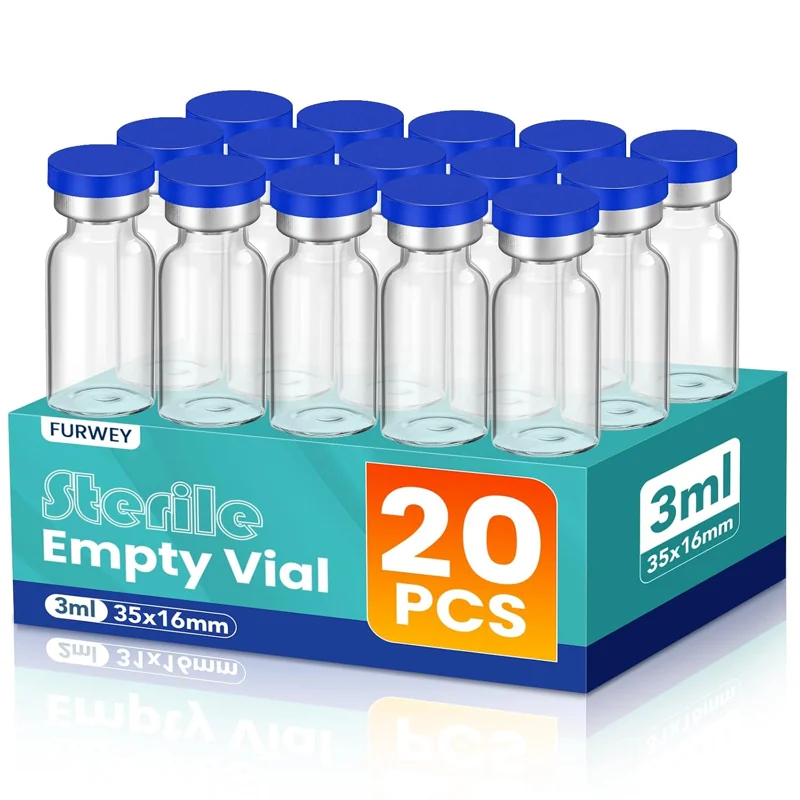
3ML Sterile Vials, Glass Empty Vials for Injection, 20 Pack
View on Amazon ↗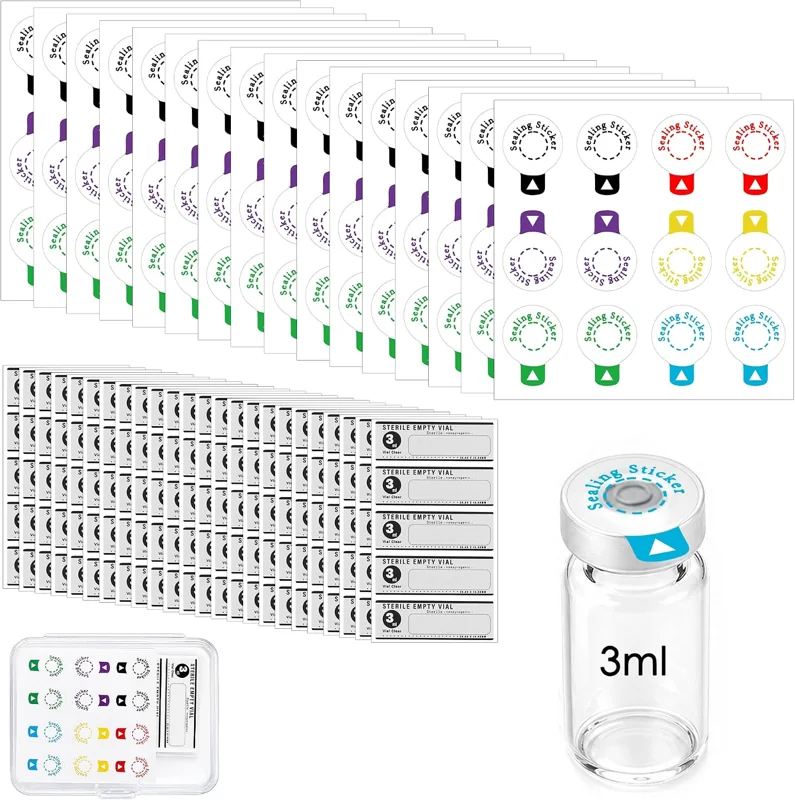
3ml Vials Sealing Stickers with 120 Bottle Label Stickers
View on Amazon ↗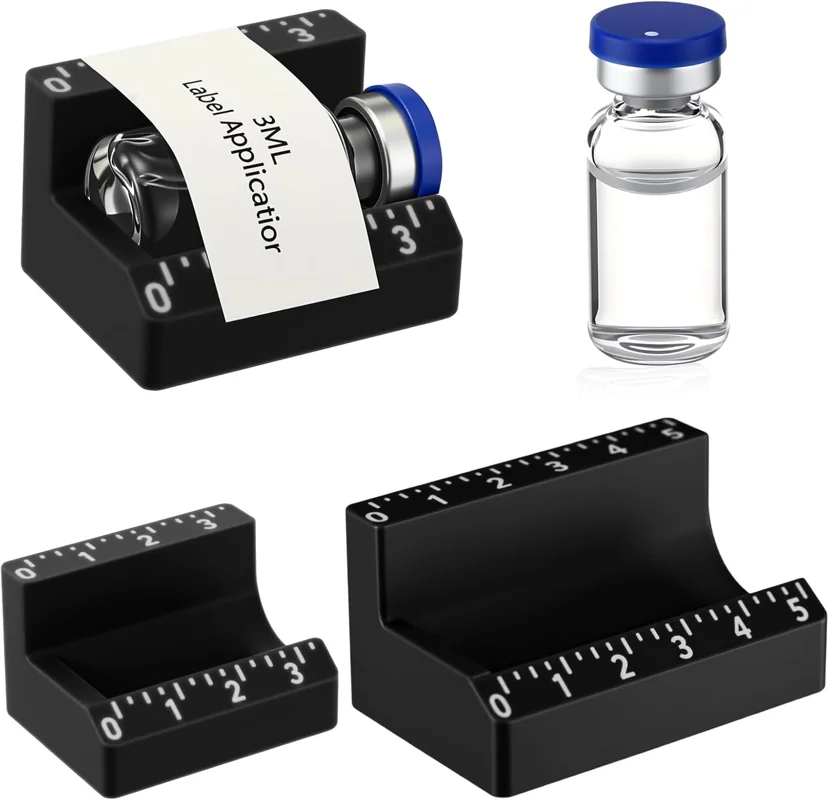
3ml and 10ml Peptide Vial Label Applicator Set (2pcs)
View on Amazon ↗How to print peptide vial labels
The labels are 1" wide and 0.5" tall, 8 across and 20 down on a US letter sheet (160 per sheet). Pick whichever way of printing suits you.
Option 1: Print straight from this page (easiest)
- Design your labels and set the copies.
- Tick Print label outlines and print one test page on plain paper.
- Hold the test page over a label sheet against a window or light. If the outlines sit off the stickers, use the arrows to nudge them, then test again.
- Untick the outlines, load the label sheet, and press Print labels.
- In the print window, set Scale to 100% (Actual size), Margins to None or Default, and turn off headers and footers. Choose Save as PDF instead if you want a file to print later.
Option 2: Microsoft Word
- Press Copy label text above.
- In Word, open Mailings → Labels → Options → New Label.
- Enter: label height 0.5", label width 1", top margin 0.5", side margin 0.25", vertical pitch 0.5", horizontal pitch 1", number across 8, number down 20, page size Letter. Name it “Vial 1 x 0.5” and save it.
- Paste your label text into the address box, choose Full page of the same label, and click New Document.
- Set the font size small (about 5 to 7 pt) so every line fits, then print at 100%.
Option 3: Google Docs
- Press Copy label text above.
- Google Docs has no built-in label layout, so open Extensions → Add-ons → Get add-ons and install a label add-on.
- In the add-on, pick a 1" × 0.5", 160 per sheet template, or the template code printed on your label pack.
- Paste your label text, keep the font small, and print at 100% with margins set to None.
Mixing a vial for the first time? Our peptide reconstitution for beginners guide shows where labeling fits in.
Frequently Asked Questions
What size labels does the vial label maker print?
It prints 1 inch by 0.5 inch labels on a US letter sheet, 8 across and 20 down, for 160 labels per sheet. That is the size that wraps neatly around a small peptide vial.
Do I need Microsoft Word or Google Docs to print peptide vial labels?
No. Print straight from this page. Word and Google Docs also work if you prefer them; the steps are on this page.
Can I use a sheet that already has some labels missing?
Yes. Tap the first empty spot on the sheet map before printing, and the labels start there, so no labels are wasted.
Why are my labels printing slightly off the stickers?
Most printers shift the page a little. Make sure the scale is 100% and margins are set to None or Default, then use the nudge controls to move everything up, down, left, or right, and print a test page on plain paper first.
What should I write on a peptide vial label?
At minimum the compound name, the total amount in the vial, the BAC water added, and the date you mixed it. Only print information you have checked yourself.
Print only what you have checked. This tool prints the text you enter. It does not identify what is in a vial, confirm purity, or give storage, dosing, or use instructions.
Color edge (optional)
Preview (3×)